
Best apps for cruise port days and shore excursions.
Cruise port days move quickly. You wake up near a new coastline, follow a schedule, decide whether to book an excursion or explore independently, and try to understand a place that may be new to you.
The best apps for cruise port days help with timing, maps, weather, translation, photos, and context. They should make the port feel less like a quick stop and more like a place with its own story.
Useful app categories for port days
- The cruise line app for schedule, ship time, messages, and onboard details.
- A map app for offline or low-signal navigation around the port area.
- Weather and marine context for coastal conditions.
- Translation and currency tools for international ports.
- A notes or photo app for saving names, food, landmarks, and places to revisit.
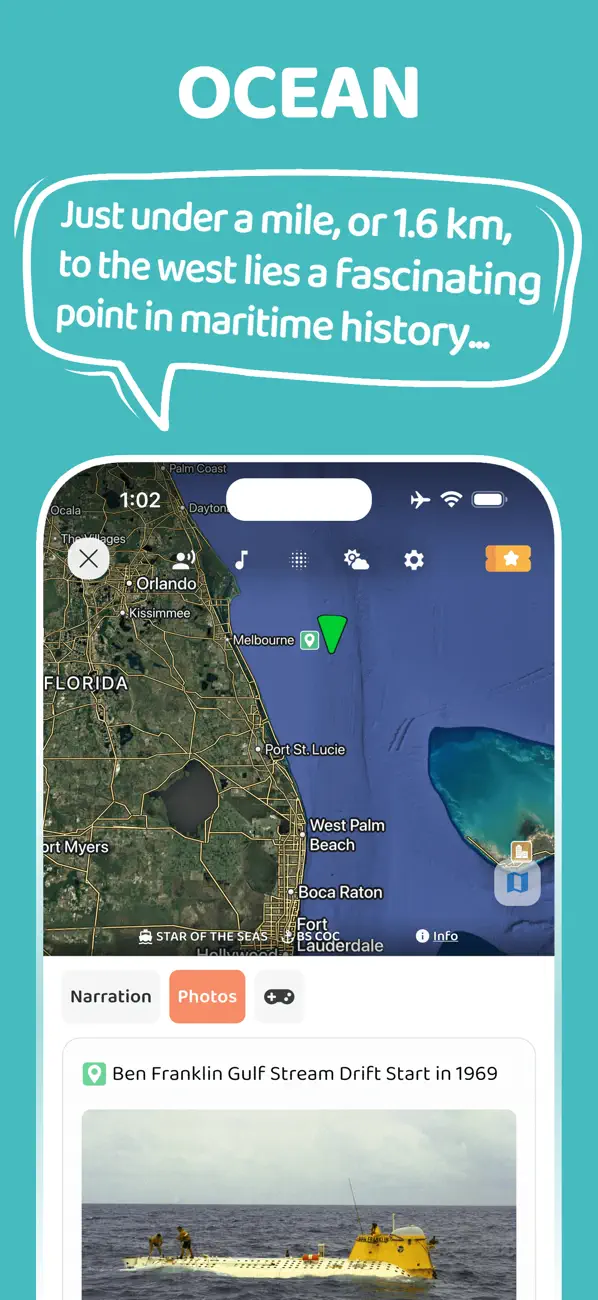
- An audio guide for coastal, port, island, and maritime context.
CLIA reported 37.2 million global cruise passengers in 2025, so port-day planning is not a niche problem. Many travelers are trying to make short stops feel more meaningful.
Before you go ashore
Start with the basics: all-aboard time, meeting point, local time, documents, spending method, weather, and the distance between the pier and the area you want to explore.
NOAA nautical chart resources show how much navigational and coastal detail exists around ports, channels, harbors, water depths, landmarks, and shoreline features. Travelers do not need professional chart tools, but the point is useful: ports are layered places, not just gangway exits.
Make the port day easier to remember
Save names, not just photos
Photos become more useful when you also save the names of neighborhoods, beaches, forts, markets, islands, or viewpoints. Those names are what let you reconnect with the place later.
Listen before and after the excursion
The time approaching a port and leaving it can be just as interesting as the time on shore. Audio works well because you can look at the coastline while hearing why it matters.
Add context before and after the port
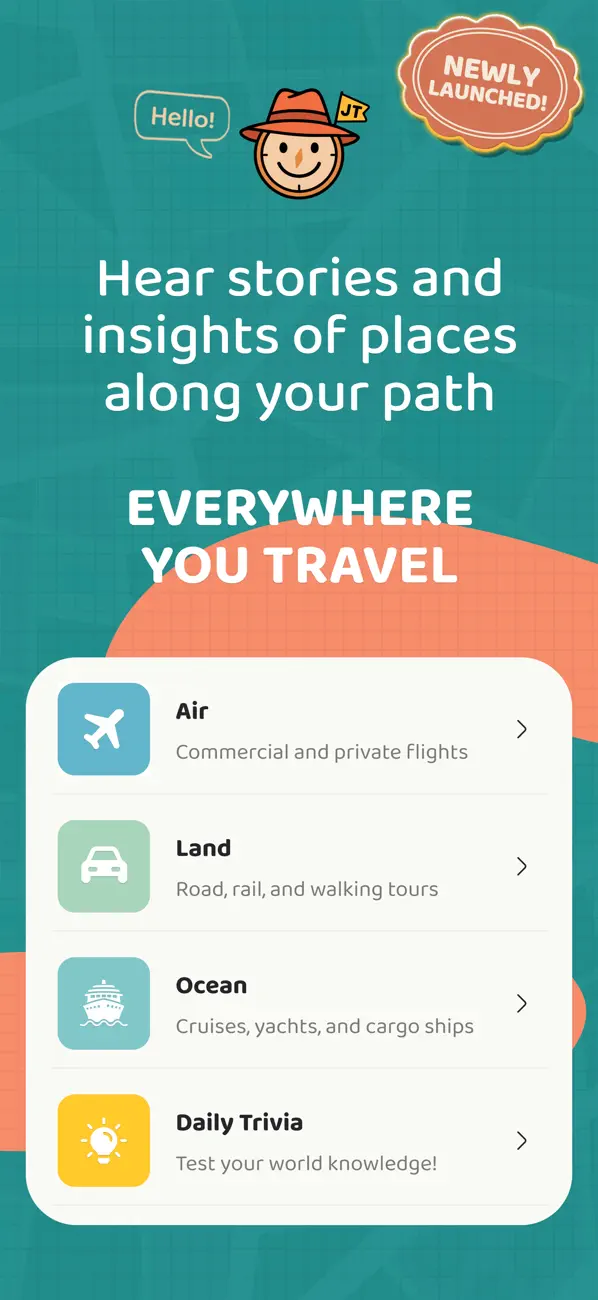
JollyTango Cruise mode is built for cruises, ferries, ports, islands, coastlines, vessels, weather, and maritime points of interest.
"I like its audio narration. So much easier than having to read on screen!"
NewSt99J, App Store reviewer
It is especially useful during sail-ins, sailaways, ferry rides, sea days, and port approaches when the coastline is visible and you want more context than the view alone provides. It needs internet access, and shore-excursion timing, safety instructions, and port rules should come from the cruise line, operator, or local authority.
Cruise port, chart, and shore-day sources
Make port days and coastlines more interesting.
Use JollyTango Cruise mode to hear stories about ports, islands, coastlines, vessels, weather, and maritime points of interest.
Explore Cruise mode