
Landmarks below
Hear about visible cities, rivers, lakes, mountain ranges, coastlines, islands, and historic places along the route.
JollyTango Air Mode helps window-seat travelers hear real-time stories about the cities, rivers, mountains, coastlines, landmarks, and history below a flight when in-flight internet is available.


The best flight moments often happen between takeoff and landing: a mountain range under the wing, a river bend, a bright city grid, an island chain, or a coastline you cannot identify from the seatback map.
Air Mode is built for that question. It uses aviation data provider APIs and internet access to follow the flight path, then turns nearby geography, history, culture, weather, landmarks, and points of interest into audio stories.
Air Mode requires an internet connection, such as in-flight Wi-Fi. Airline and crew instructions always come first.
"Listened for two hours and really enjoyed it!"
lres_uws, App Store reviewer
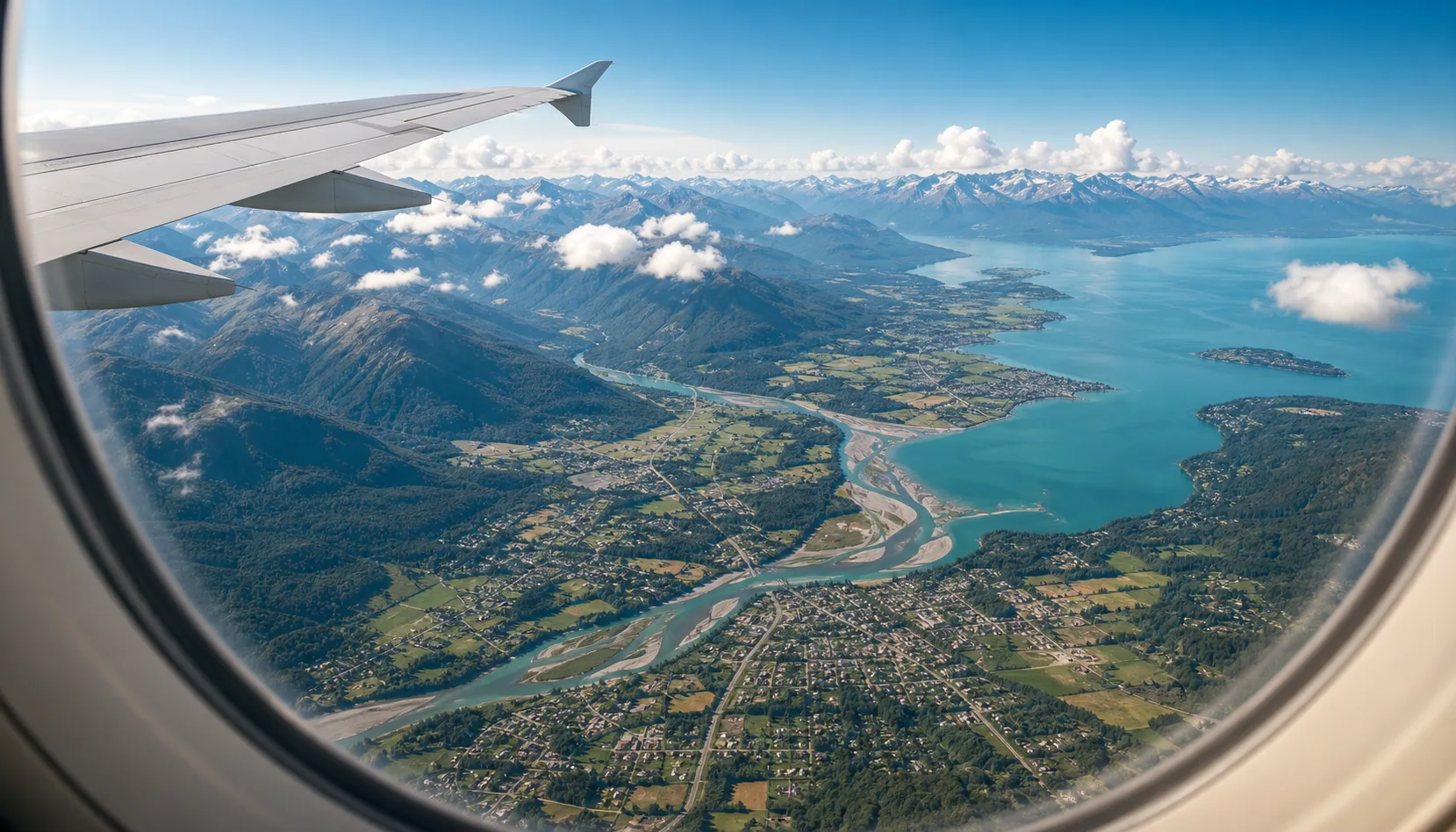
Use it when the route itself is part of the trip, not just time to fill before arrival.
Hear about visible cities, rivers, lakes, mountain ranges, coastlines, islands, and historic places along the route.
Long daylight flights, scenic approaches, mountain crossings, and coastal routes are especially good fits for flight-path audio.
Listen while you keep looking outside instead of repeatedly switching between a map, a search result, and the window.
Use JollyTango for stories and context. Use airline apps, crew instructions, official weather, and airport information for operational decisions.
Flight audio is different from a walking or driving guide because the phone may not have a normal GPS view of the sky inside the cabin.
Air Mode needs a working internet connection, usually in-flight Wi-Fi, to call services and stream narration.
JollyTango uses aviation data provider APIs to understand aircraft position and route context. It is not relying on the passenger phone's GPS reception in the cabin.
Wi-Fi quality, airline network rules, route coverage, and data availability can vary. If connectivity is poor, real-time narration may be limited.
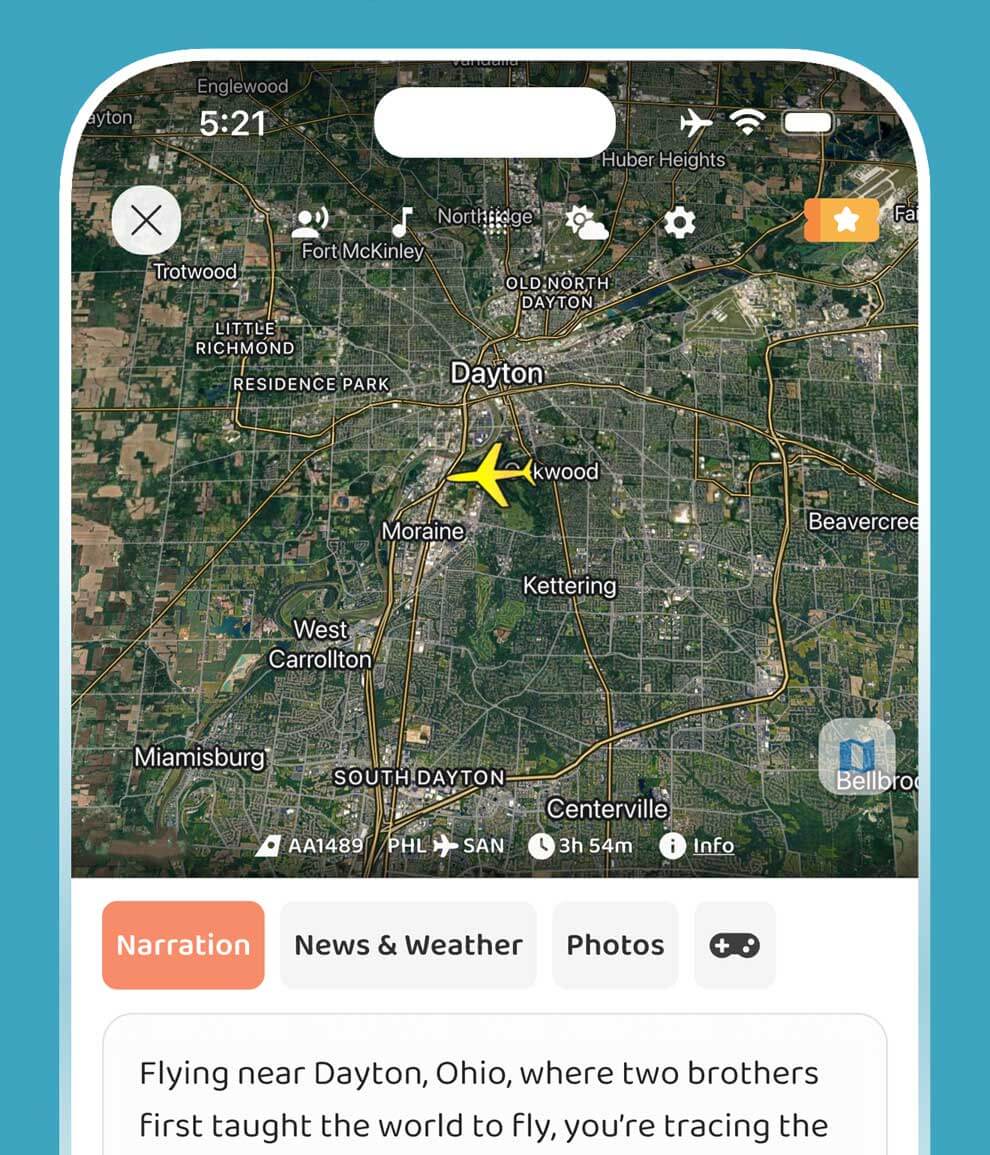
Get a feel for the audio travel-guide experience.
Yes. JollyTango Air Mode can explain cities, rivers, mountains, coastlines, landmarks, and history below a flight when in-flight internet is available. Airline and crew instructions always take priority.
Yes. JollyTango Air Mode can explain cities, rivers, mountains, coastlines, landmarks, history, culture, weather, and points of interest below a flight when in-flight internet is available.
Air Mode is not built around the passenger phone's cabin GPS reception. It uses aviation data provider APIs over an internet connection to understand flight position and route context.
Yes. Air Mode needs an internet connection, such as in-flight Wi-Fi, to stream real-time narration and related travel information.
No. Airline crew instructions, airline apps, FAA guidance, weather information, and official travel updates should be used for safety and operational decisions.
Download JollyTango before takeoff and use Air Mode when in-flight internet is available.