
Best apps for window seat travelers.
Window seat travelers are a specific kind of curious. They notice the mountain ridge, the river bend, the strange grid of lights, the coastline, and the island that appears for only a minute.
The right apps can make those views easier to understand and remember. The best setup combines a flight map, terrain context, weather awareness, and audio so you can keep looking outside instead of constantly searching.

Useful app types for a window seat
Flight map or tracker
A route map helps you understand the broad location, direction, altitude, and nearby cities. It also helps you connect what you see outside to the flight path.
Terrain and map tools
USGS describes topographic maps as a way to show physical and cultural features, which is exactly the kind of context window-seat travelers want when a river, mountain range, lake, or city grid appears below.
Weather map
Clouds, storms, snow lines, and coastlines make more sense when you can connect them to weather and geography. Weather context can explain why one region is clear while the next is hidden under cloud.
Audio guide
An audio guide is useful because it lets you keep looking out the window while listening to context about the places below.
Before the flight
- Choose a window seat when the route is scenic.
- Charge your phone and headphones.
- Check whether Wi-Fi is available on the flight.
- Keep the camera ready for short scenic moments.
- Use airplane mode and connectivity settings according to airline instructions.
- Save offline entertainment in case the connection is weak.
What to look for below
The easiest features to identify from altitude are large rivers, coastlines, lakes, mountain ranges, islands, city grids, airports, roads, deserts, and snow lines. These are also the features that make the best short travel stories.
Try to notice patterns: farms changing shape, roads following valleys, cities growing around rivers, coastlines turning into ports, or mountains forcing highways through passes. Those patterns are often more memorable than individual names.
Keep your eyes on the view
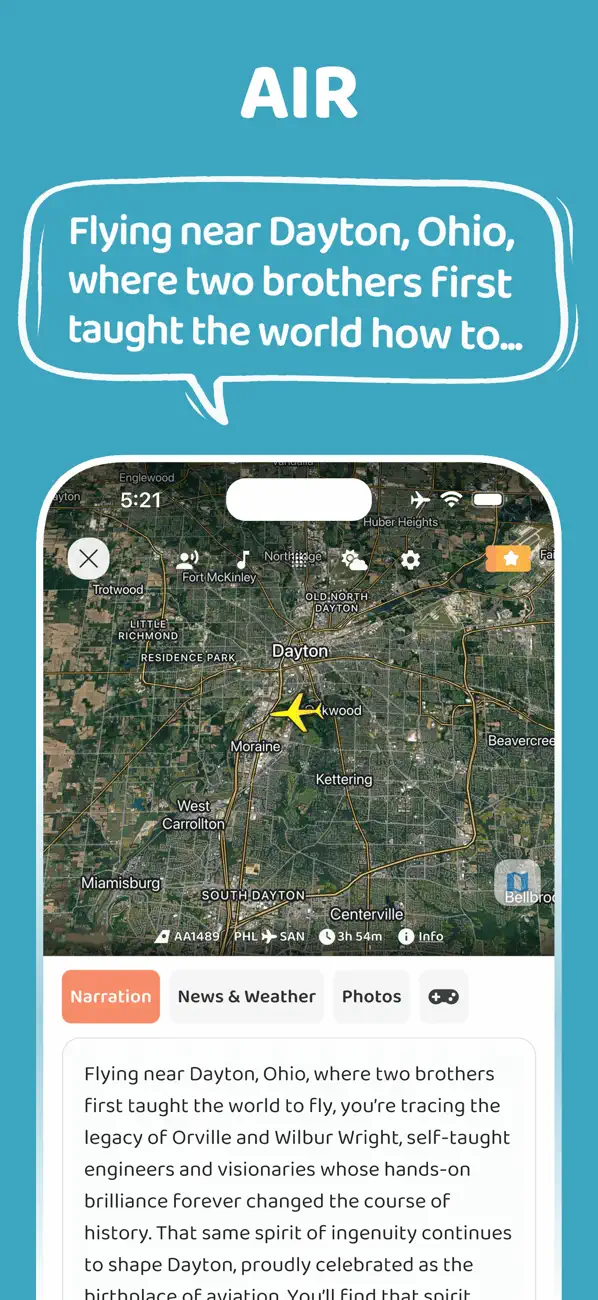
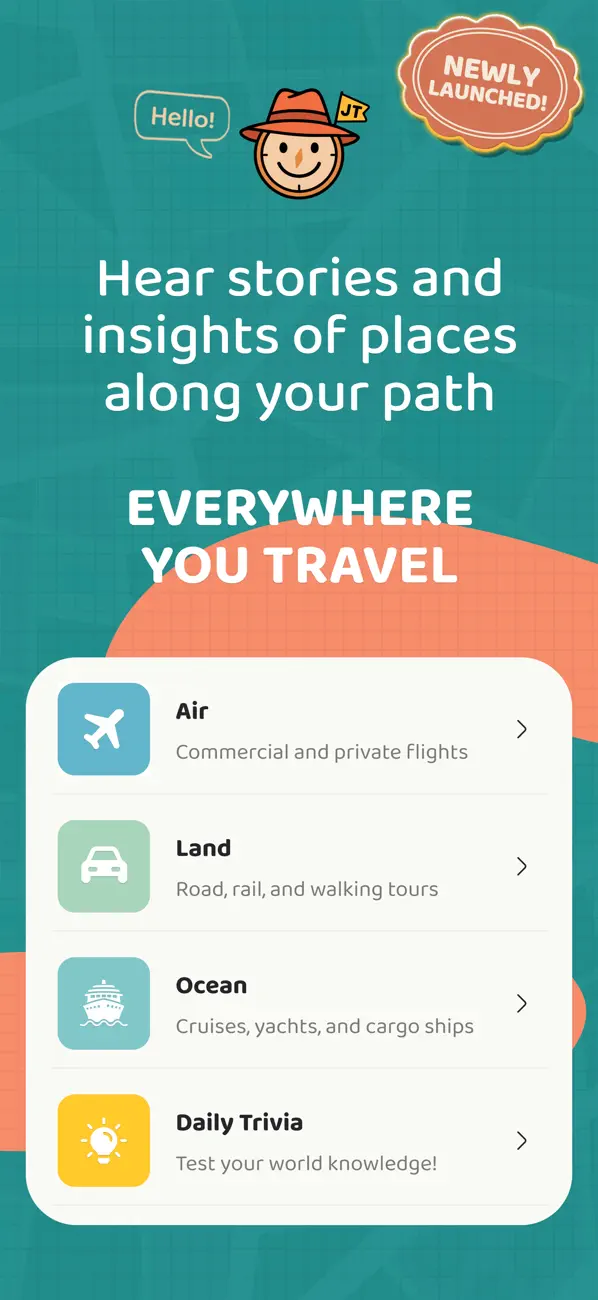
JollyTango is useful for window-seat travelers because Flight mode is built around the question: what am I flying over?
Instead of searching each place manually, you can listen to narrated context while watching the landscape change below. JollyTango needs internet access, so check airline Wi-Fi availability before counting on real-time audio in the air.
Window-seat map, weather, and flight sources
Know what you are flying over.
Use JollyTango Flight mode to make window-seat views more meaningful.
Explore Flight mode