
Best ferry apps for coastal travel and island hopping.
Ferries turn transportation into part of the trip. You can be moving between islands, crossing a harbor, approaching a coastal town, or watching a shoreline change from the deck.
The best ferry setup handles the practical side first: schedules, tickets, route alerts, and terminal information. After that, weather, shoreline maps, port history, and audio stories can make the crossing feel like a real part of the trip instead of waiting on water.

Start with schedules, then add the coastline
Use the ferry operator app for schedules, tickets, boarding rules, and route alerts. Add a marine weather source for conditions, a map for the shoreline and ports, and an audio guide for stories about the places you are passing.
This combination works because ferry travel sits between transportation and sightseeing. The practical details matter first, but the route itself is often the best view of the day.
What to compare before choosing a ferry app
- Schedule reliability and route alerts.
- Ticketing, reservations, and terminal information.
- Saved access to key terminal and reservation details before boarding.
- Weather and wind awareness before boarding.
- Maps for nearby islands, ports, coastlines, and walking routes after arrival.
- Audio stories or local history for the crossing itself.
NOAA marine weather resources are useful because coastal travel can be shaped by wind, fog, visibility, storms, and sea conditions. Even casual ferry riders benefit from checking the day around the route, not only the posted departure time.
What to notice during the crossing
Ports and working waterfronts
Ferry terminals often sit near older port districts, shipyards, fishing harbors, markets, or downtown waterfronts. A quick crossing can reveal how the place grew around the water.
Islands, lighthouses, and channels
NOAA nautical chart resources show how much detail exists around channels, hazards, shorelines, ports, and navigation marks. Travelers do not need to read charts professionally to appreciate that a ferry route is moving through a named coastal landscape.
Hear the crossing as part of the trip
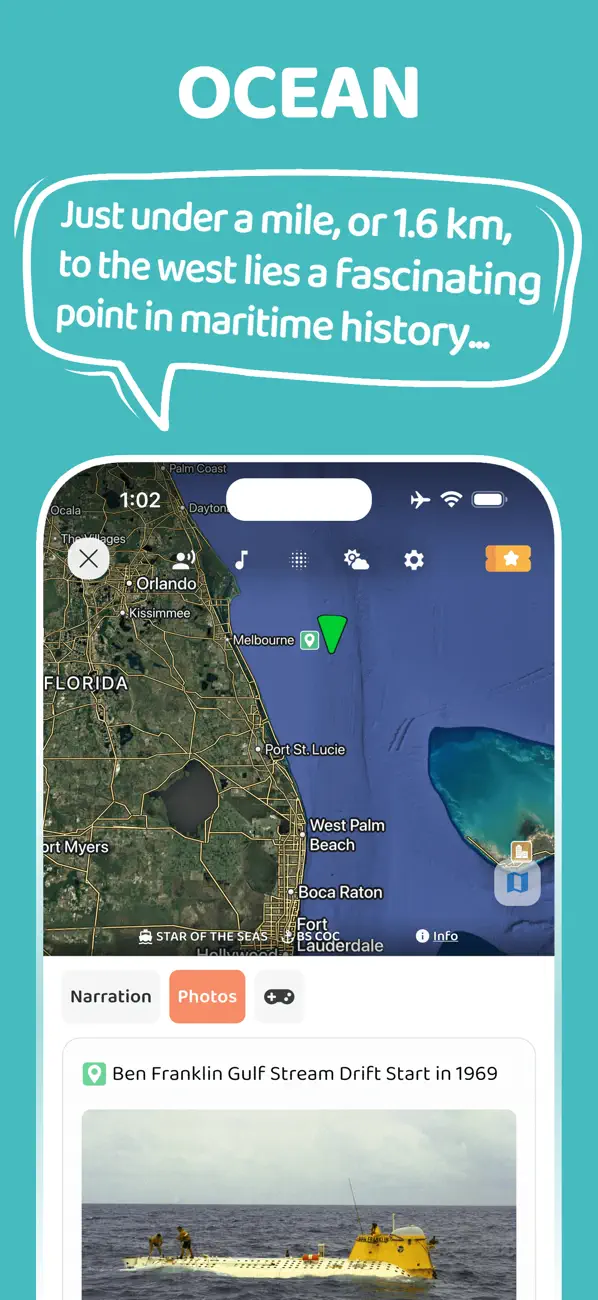
JollyTango Ocean Mode can help ferry riders hear real-time stories about ports, islands, coastlines, vessels, weather, and maritime points of interest around the route.
Use it when ferry Wi-Fi or mobile data is available. Keep tickets, operator alerts, boarding rules, and safety instructions in the ferry operator's app or official sources.
Ferry weather, chart, and coastal travel sources
Make ferry crossings more interesting.
Use JollyTango Ocean Mode to hear real-time stories about ports, islands, coastlines, vessels, weather, and maritime points of interest when internet access is available.
Explore Ocean Mode