
How to make an airport layover more interesting.
A layover can feel like dead time: find the gate, charge the phone, buy food, wait. But it can also be a useful reset between flights if you treat it as part of the journey.
The best layover plan combines practical airport tasks with a little curiosity: walk, eat something local if available, check the next flight, learn what you are flying over next, and give your brain a break from the gate screen.

Do the practical things first
- Confirm the next gate and boarding time.
- Check whether the flight or airport status changed.
- Refill water after security if available.
- Charge your phone and headphones before boarding.
- Download anything you need before the aircraft Wi-Fi becomes the only option.
- Set a quiet alarm if you plan to rest.
FAA traveler resources point passengers toward airport status, TSA travel tips, and safe packing guidance. A layover is a good time to solve those basics before the next boarding call.
Make the layover more interesting
Walk the terminal with purpose
A short walk helps reset your body before another flight. Look for local food, airport art, windows with runway views, or a quieter seating area near the next gate.
Preview the next route
Use the layover to check the next flight path, daylight timing, likely landmarks, coastlines, mountain ranges, or approach views. A little curiosity before boarding can make the next window seat more rewarding.
Keep security simple
TSA travel checklist guidance is a useful reminder to keep documents, carry-on items, and liquids organized. Layovers get easier when you do not have to repack under pressure.
Give the next flight a story
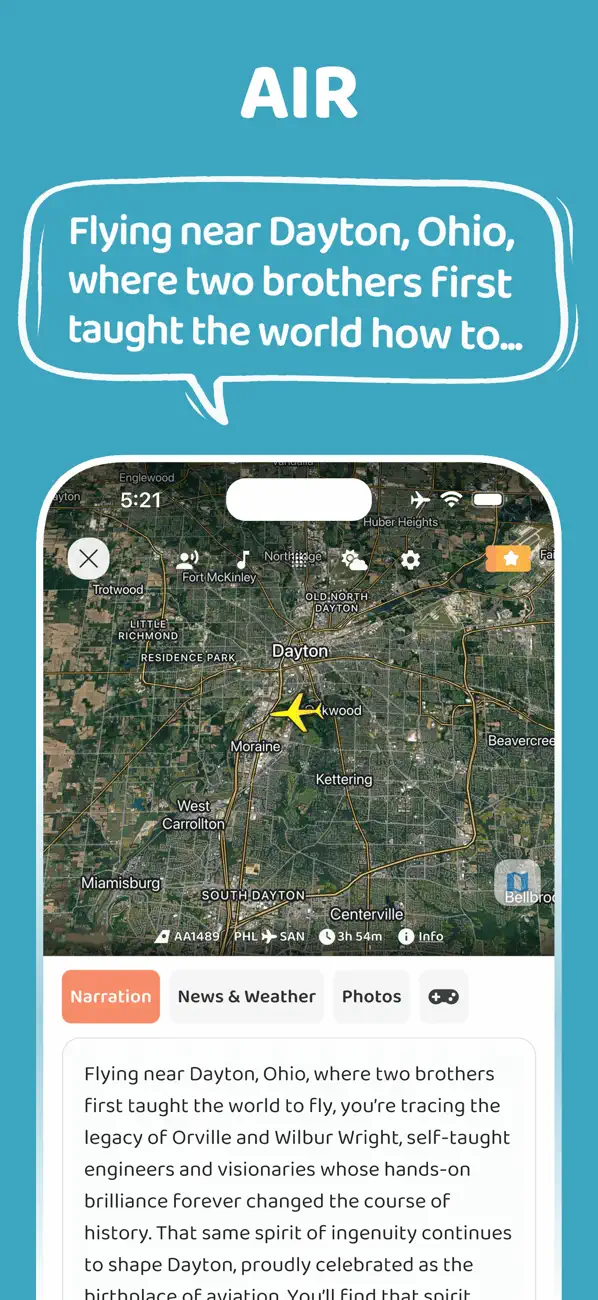
JollyTango Air Mode can make the next flight more interesting by telling audio stories about the cities, rivers, mountains, coastlines, and landmarks below the route.
A layover is a good time to check Wi-Fi availability, charge headphones, and decide whether the next daylight route is worth listening to closely. JollyTango needs internet access for real-time flight stories.
Airport, TSA, and flight-prep sources
Make the next flight more interesting.
Use JollyTango Air Mode to hear stories about cities, rivers, mountains, coastlines, and landmarks below your flight path.
Explore Air Mode