
How to plan a scenic road trip with audio stories.
A scenic road trip is better when the drive has its own rhythm: a few planned stops, enough flexibility, good food, weather awareness, and context for the places between destinations.
Audio stories can make that middle part of the trip feel alive. Instead of treating the drive as empty time, you can plan for the route itself to be interesting.

Start with the route, not only the destination
A strong scenic drive has layers: the main route, optional detours, towns worth stopping in, viewpoints, parks, food regions, and backup options if weather or timing changes.
The National Park Service recommends planning ahead before visiting parks, and that advice applies to scenic road trips too. Check the conditions, know the entrance or parking situation, and avoid building a route that depends on perfect timing.
Choose stops that add story
- A small town with a historic downtown or unusual name.
- A river crossing, overlook, bridge, ferry, or mountain pass.
- A national park, state park, byway, or scenic pullout.
- A food stop that reflects the region instead of only convenience.
- A short walk where passengers can reset before the next drive.
FHWA describes scenic byways around qualities such as cultural, historic, natural, recreational, scenic, and archaeological value. That framework is useful even when your road is not officially designated: look for what makes the route distinctive.
Keep the driver out of the research job
The driver should not be searching, reading, or changing routes while moving. Assign passenger roles when possible: one person handles music, one watches timing, one saves stops, and one can look up extra detail.
NHTSA reports that distracted driving remains deadly. Audio-first tools can reduce the temptation to read or search while the car is moving, especially when passengers handle the setup.
Let passengers hear the route story
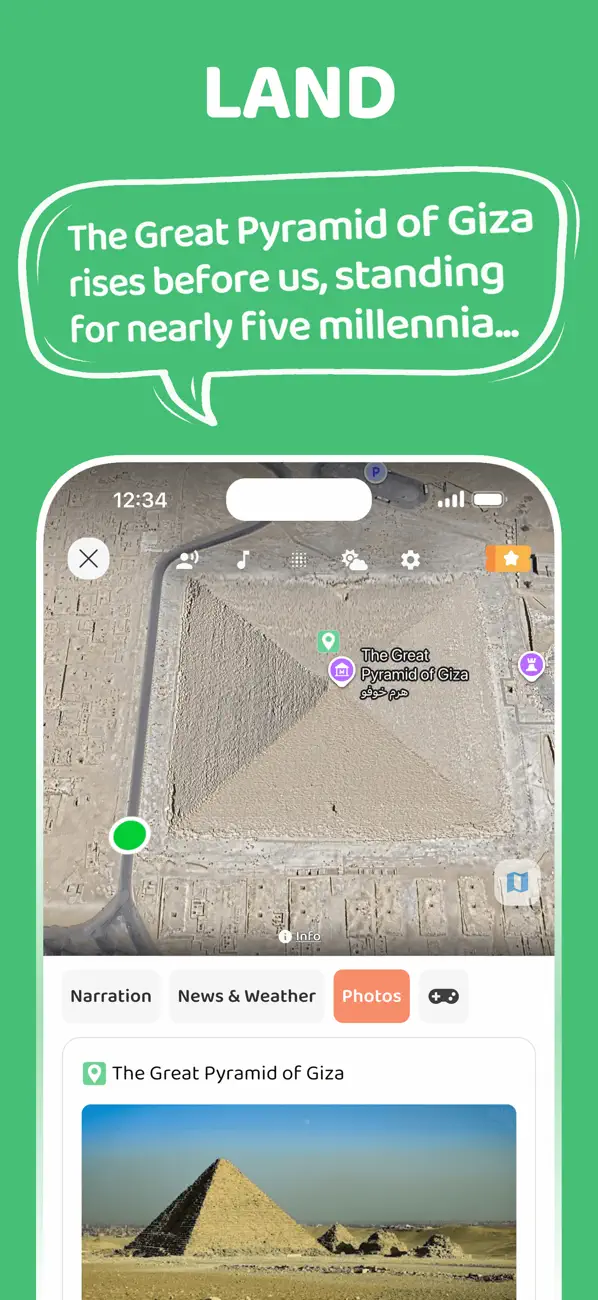
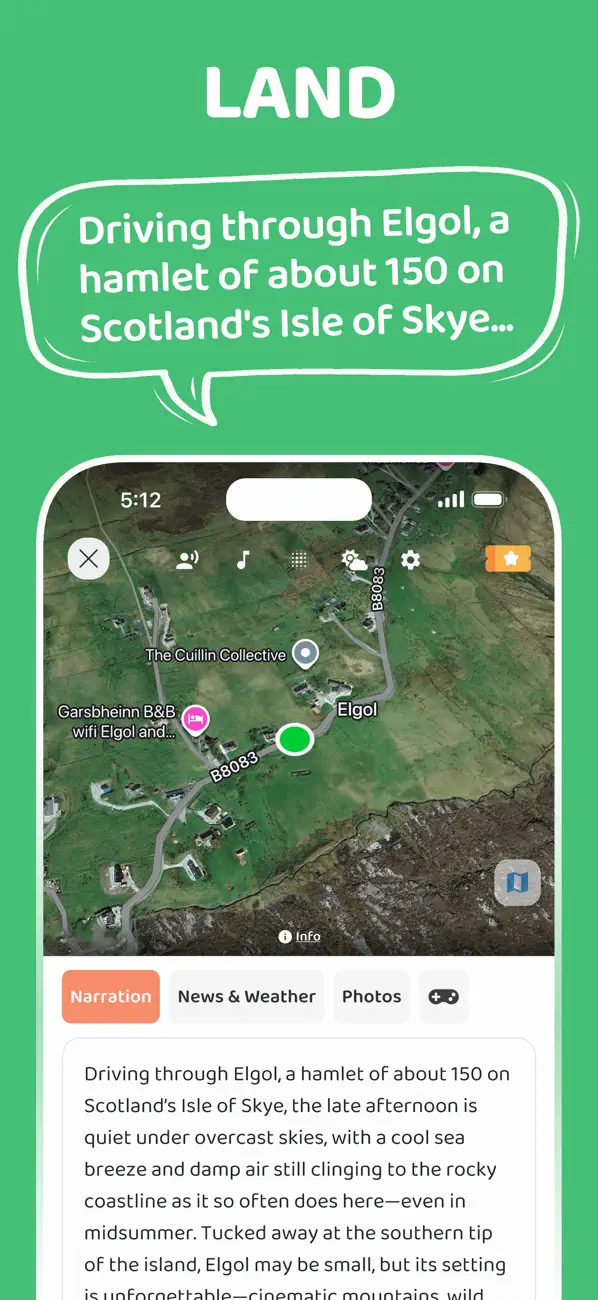
JollyTango adds real-time audio context for places along your drive, including towns, landmarks, nature, weather, culture, food, photos, and points of interest.
"Used it from Jersey to DC. Wonderful experience!"
salespro15, App Store reviewer
It works best when passengers can enjoy the details while the driver keeps attention on the road. Save navigation, reservations, park rules, and safety information before the drive.
Scenic-route, park, and driving-safety sources
Plan a drive that tells a story.
Use JollyTango when internet access is available to turn scenic drives, detours, towns, and landmarks into audio stories.
Explore Road Trip Mode