
Check park roads first
Many Yellowstone roads are seasonal, and weather can change access quickly. Confirm entrance and road status before committing to a route.
Yellowstone is a park where the route can matter as much as the stop: entrance choice, road season, weather, wildlife traffic, and thermal-area rules can all change the day. When your phone has internet, JollyTango can play stories about the places you pass. Keep National Park Service road status, safety rules, and saved navigation separate from the narration.


Yellowstone is not a simple loop you can assume will be open the same way all year. Start with the entrance and road segment, then decide what stories belong on that part of the day.
Old Faithful, Canyon, Norris, Lake, and Mammoth can look close on a map but still take hours to connect by road. Let the audio follow the segment you are actually driving.
Geyser basins are not ordinary scenic stops. Use audio for geology and history, but let posted signs and NPS rules govern where you walk, stand, and stop.
Bison, elk, bears, wolves, and roadside crowds can reshape the day. Keep distance rules and driver attention ahead of any app experience.
Yellowstone is large, seasonal, and easy to underestimate. The National Park Service notes that the park has five entrance stations and that driving between major areas can take several hours. Roads and services can also change with weather and season.
Where your phone has service, passengers can listen for context around Old Faithful, geyser basins, Mammoth Hot Springs, Canyon Village, Yellowstone Lake, the Grand Loop, wildlife habitat, historic roads, volcanic geology, and gateway communities while the driver keeps attention on the road.
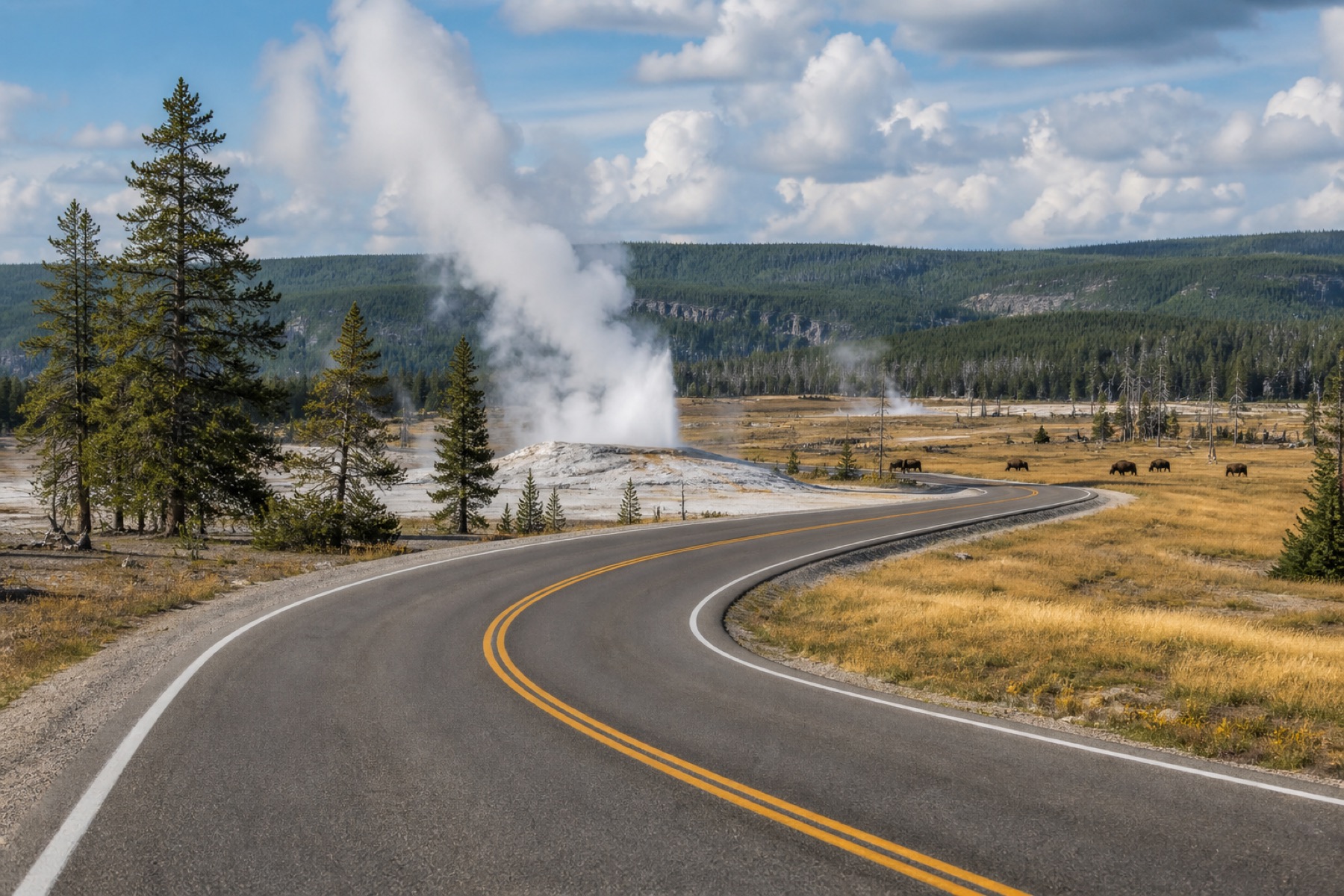
Yellowstone rewards preparation. Check current National Park Service information before leaving and again whenever you have service.
Many Yellowstone roads are seasonal, and weather can change access quickly. Confirm entrance and road status before committing to a route.
Stay on boardwalks and marked trails around geysers and hot springs. Thermal features can be dangerous even when they look calm.
Follow National Park Service distance rules for bears, wolves, bison, elk, and other animals. Do not stop in traffic in a way that blocks the road.
The narration needs internet, so keep saved directions, reservation details, and official NPS planning pages available before service becomes unreliable.
Use these pages to plan real-time audio stories for national parks, road trips, and other travel days.
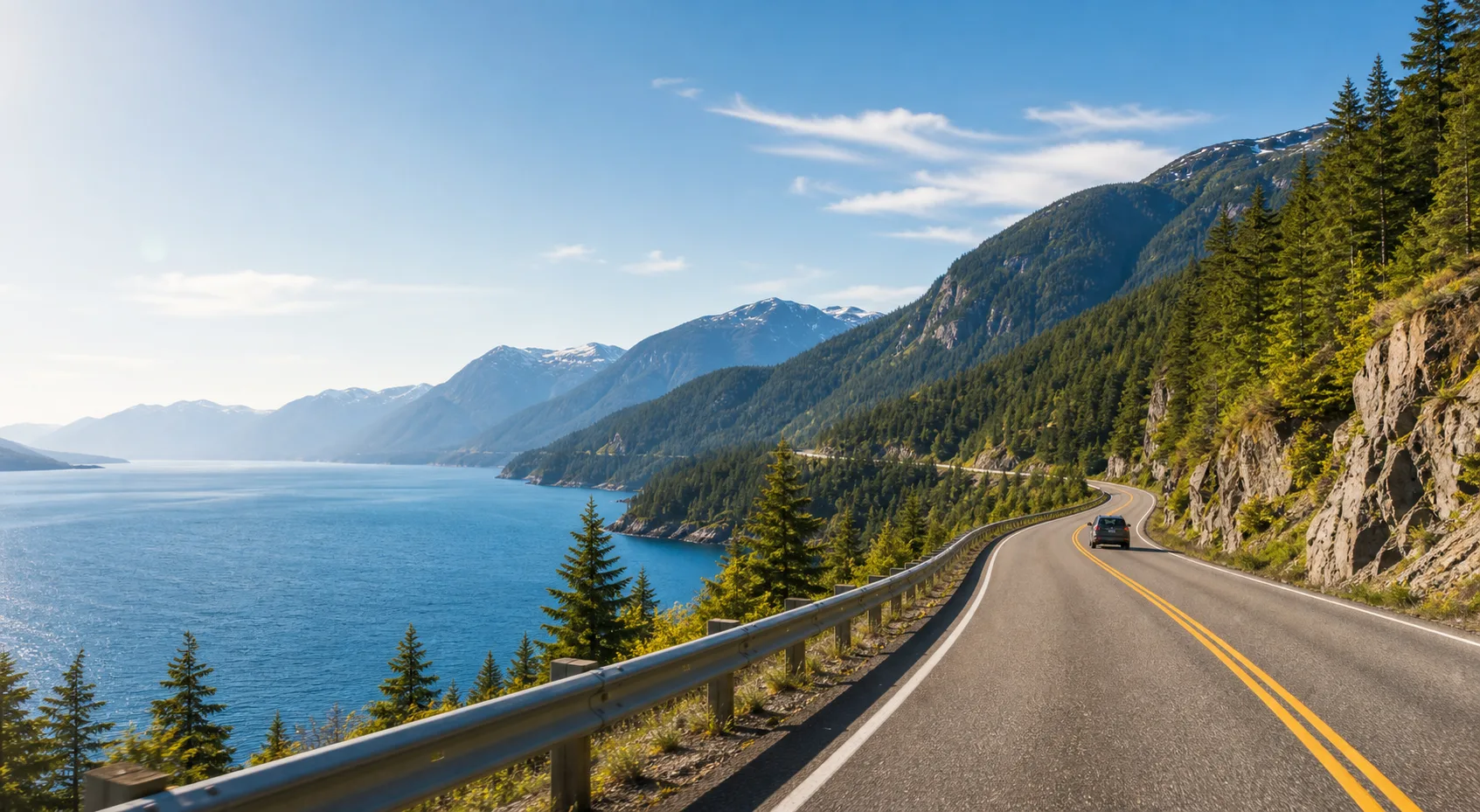
Hear stories about towns, landmarks, food, nature, and culture along your route.
Explore Road Trips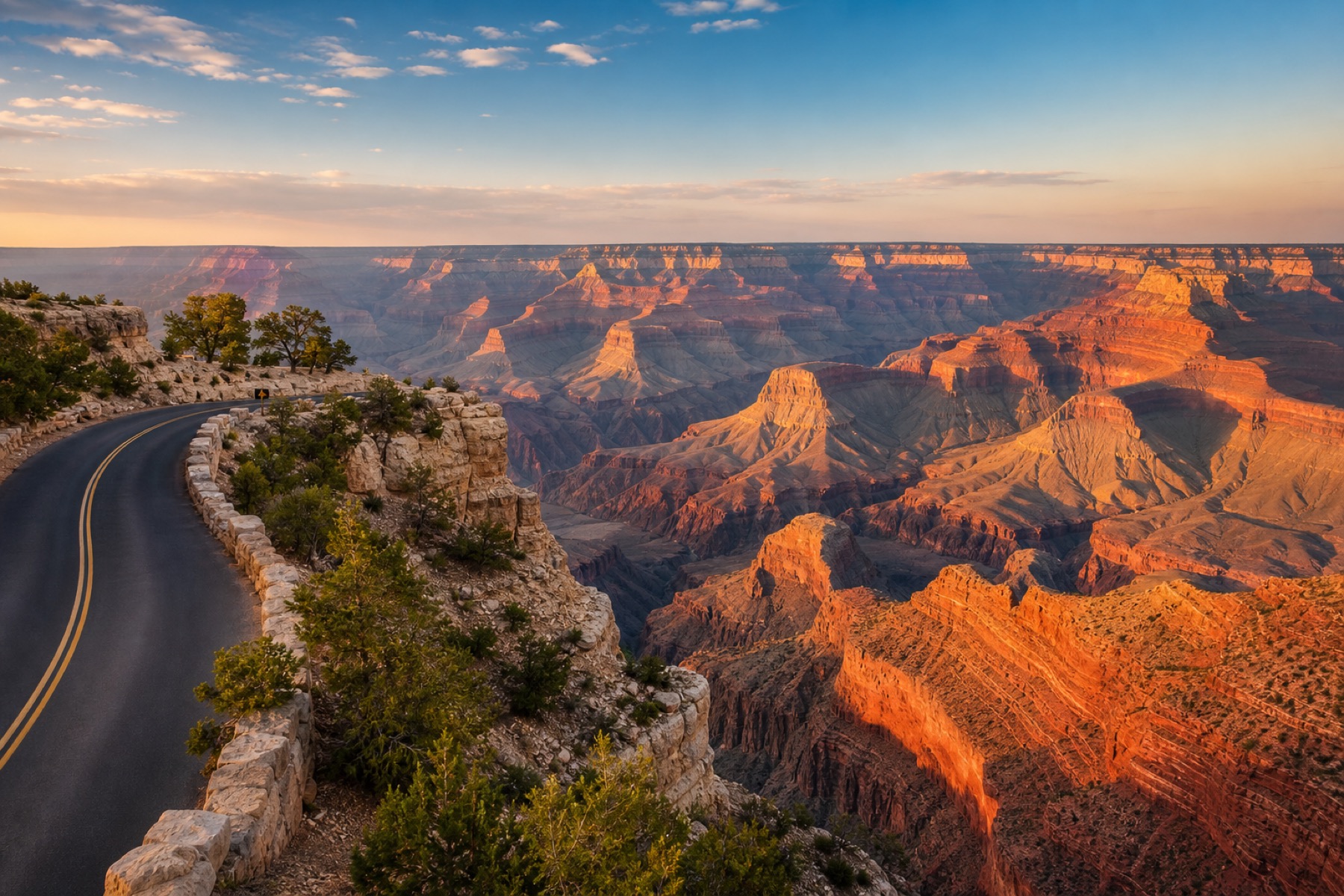
Canyon-drive stories with official road, rim, heat, and park-condition sources.
Read the guide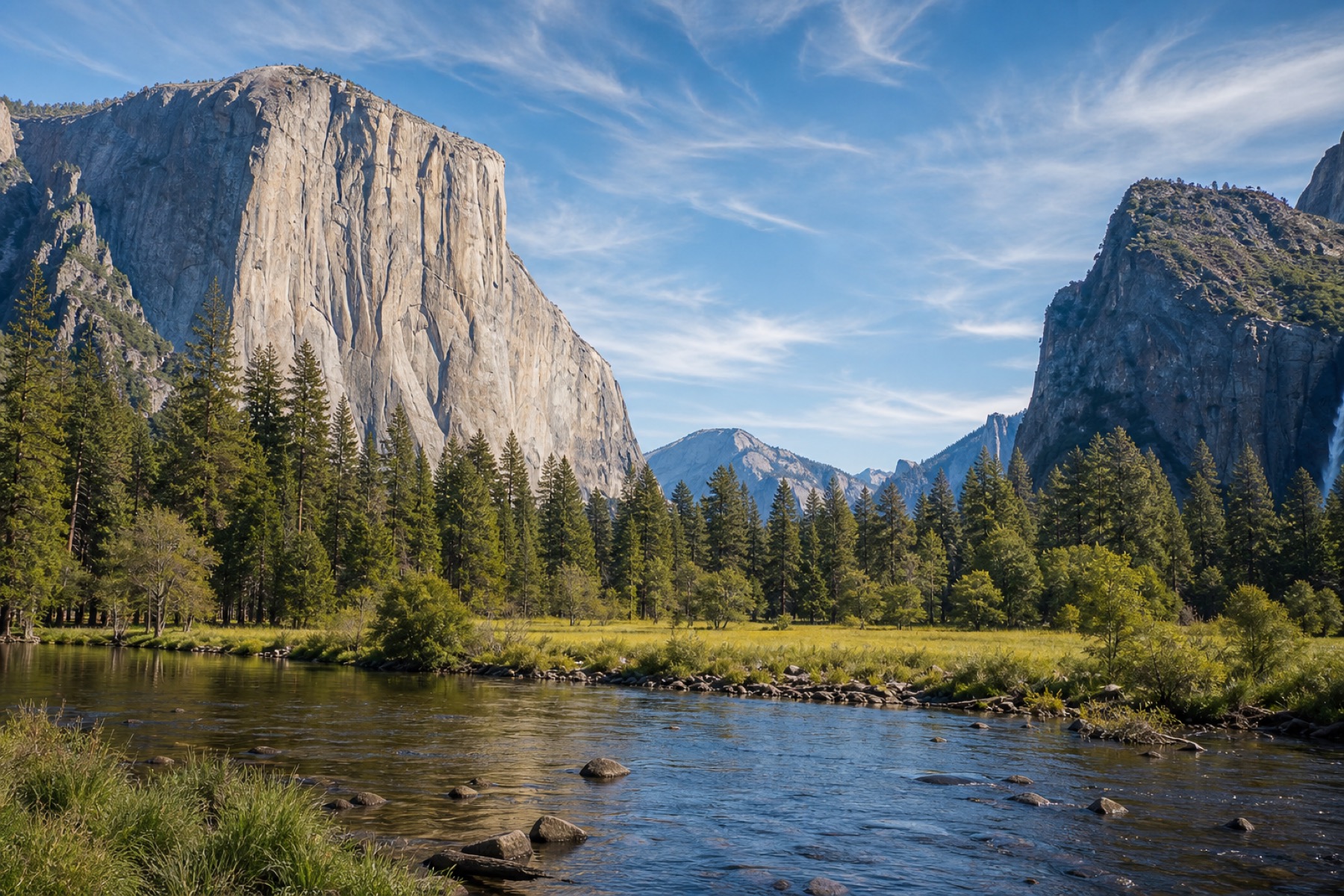
Valley, waterfall, Glacier Point, Tioga Road, and Mariposa Grove stories with official NPS checks.
Read the guide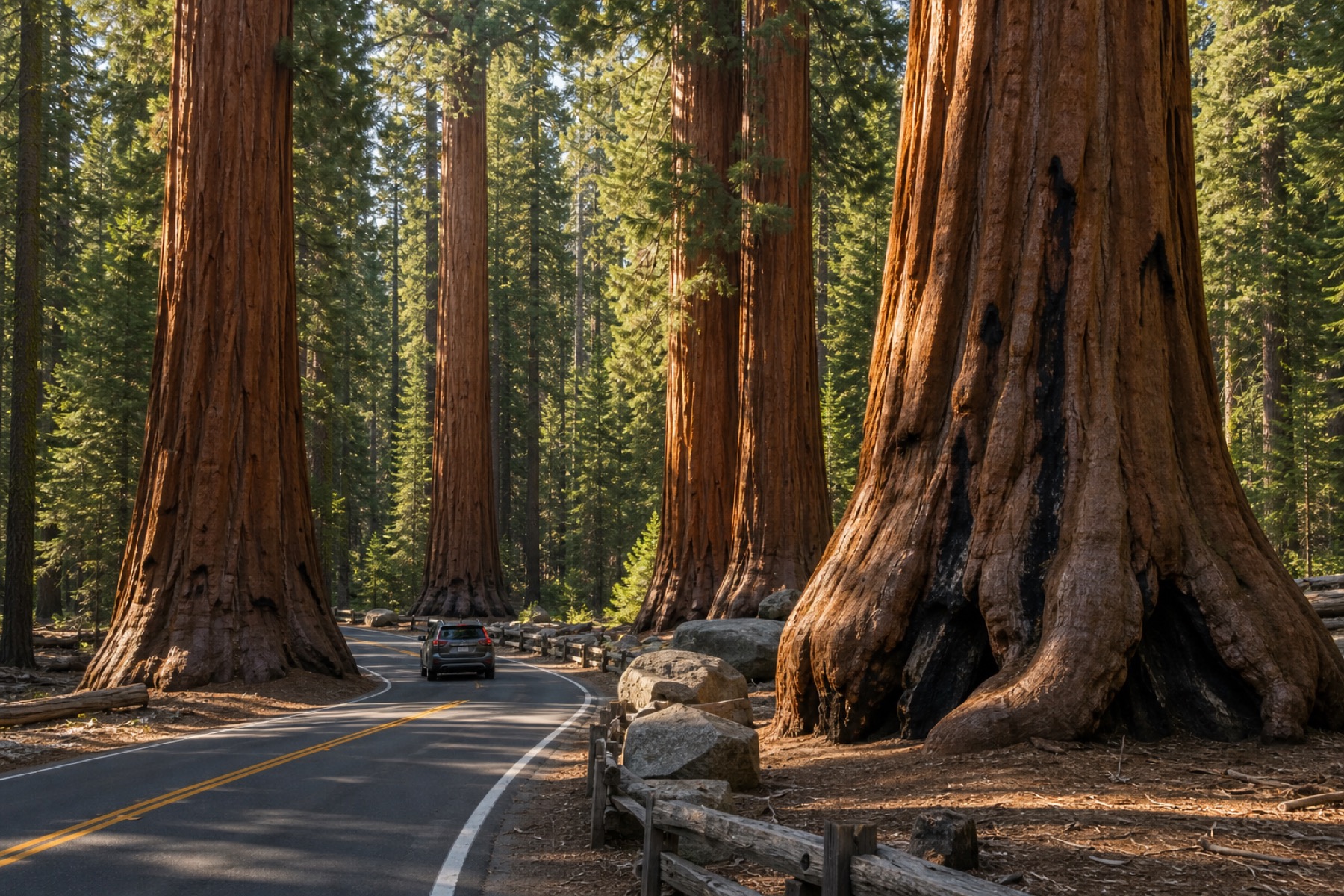
Giant Forest drive stories with official road, shuttle, parking, and weather checks.
Read the guide
Compare real-time audio stories with fixed-route tour apps.
Compare apps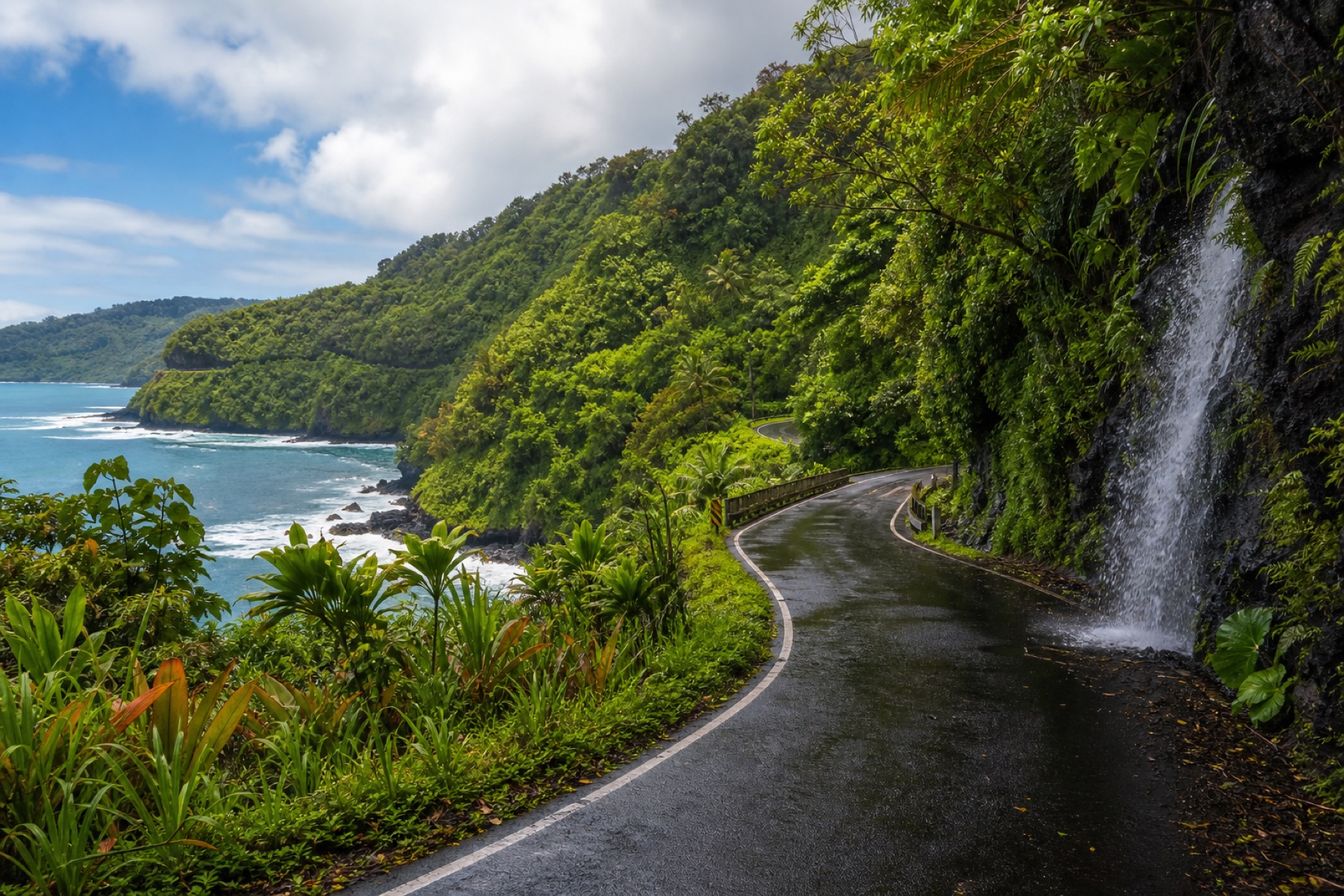
Maui drive stories, with official road and park sources linked.
Plan the drive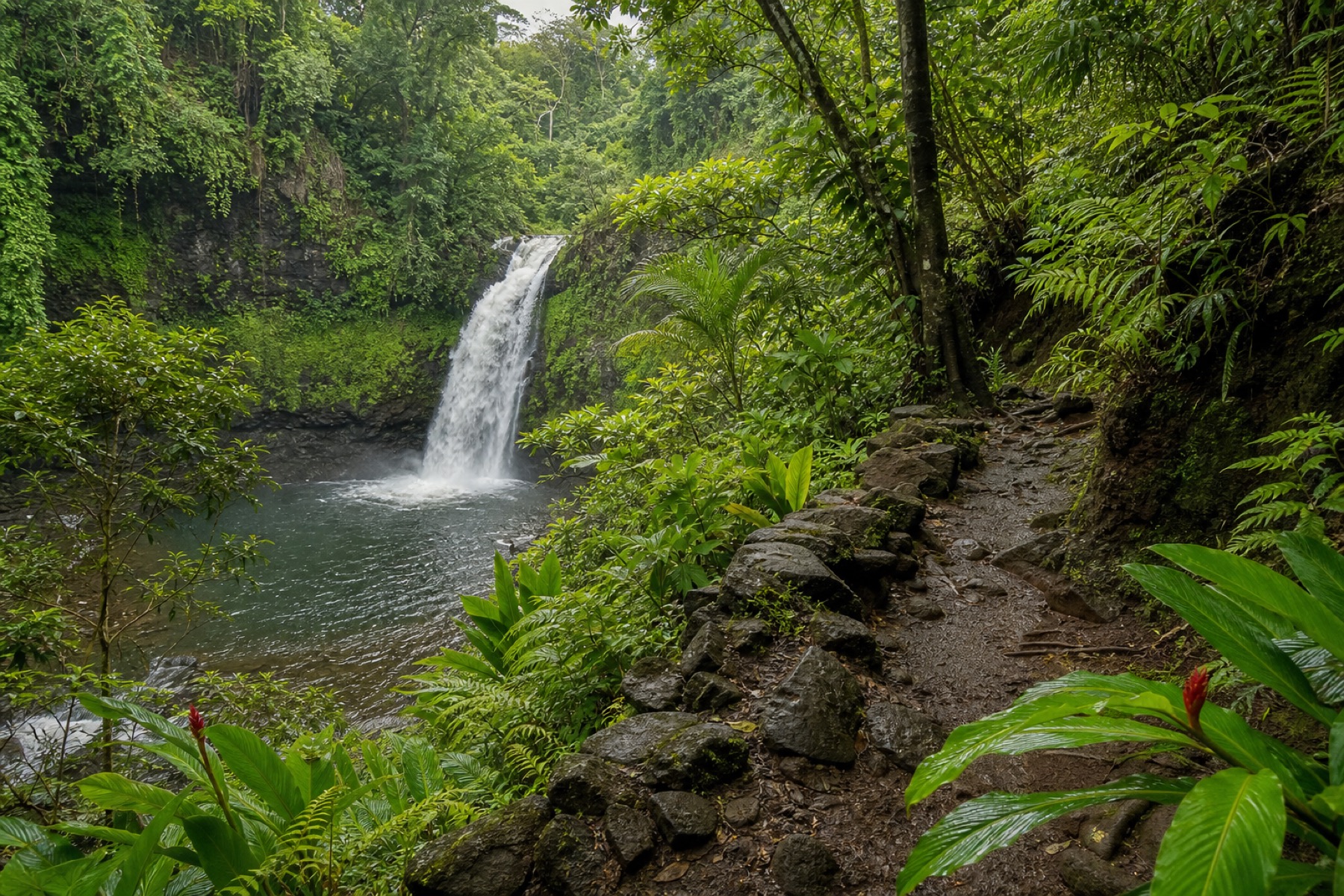
Waterfall trip stories with trail, venue, and freshwater safety sources.
Plan the walkYes. Where your phone has service, JollyTango can narrate Yellowstone context around park roads, geyser basins, wildlife habitat, volcanic geology, and gateway communities. Use official NPS pages for current roads, closures, thermal-area rules, wildlife guidance, and emergencies.
No. Yellowstone has areas where service may be unreliable, so save your route and official NPS planning information before you enter the park. JollyTango needs internet to stream its narration and travel information.
Check National Park Service road status, entrance status, operating dates, weather and current conditions, thermal-area safety, wildlife-distance guidance, and any active closures before relying on a travel plan.
Download JollyTango before your next road trip.